Hi everyone, hope you’re doing well.
This blog post is to announce that AutoUpgrade-Composer has been updated to v.26.2-3.
The Reason
We have several new features in the new version(s) of AutoUpgrade released last week, 26.1 and 26.2, I already blogged about some of those changes that I’ve implemented in AutoUpgrade-Composer here:
AutoUpgrade-Composer: Updated to v.26.2-1: Added CSI on Key Store and Gold Image for Downloads
AutoUpgrade-Composer: Updated to v.26.2-2: Added RAC Rolling, Drain Timeout and IgnorePreReq Failure
So, today, I have implemented three more features from the new version of AutoUpgrade into Composer. Those new features are:
- target_version=26: now we have the option to use the keyword target_version=26 with AutoUpgrade. Until the last version, we were allowed to use up to target_version=23. But as of now, target_version=26 is just an alias for target_version=23. However, as Oracle changed the naming for his breakthrough new database version to 26ai, it makes sense having the target_version=26.
- SDO Patch: now, AutoUpgrade allows us to download the Spatial Bundle Patch, you need to add the keyword SDOBP in the patch parameter.
- Oracle Text Patch: AutoUpgrade now also allows us to download the latest Oracle Text patches using the keyword TEXT in the patch parameter.
- AU update: AutoUpgrade now is capable of downloading its own updated version by using the keyword AU in the patch parameter.
Let’s explore those changes below.
The goal of this blog post is to show how those new changes will be presented in AutoUpgrade-Composer.
The New Feature: target_version=26
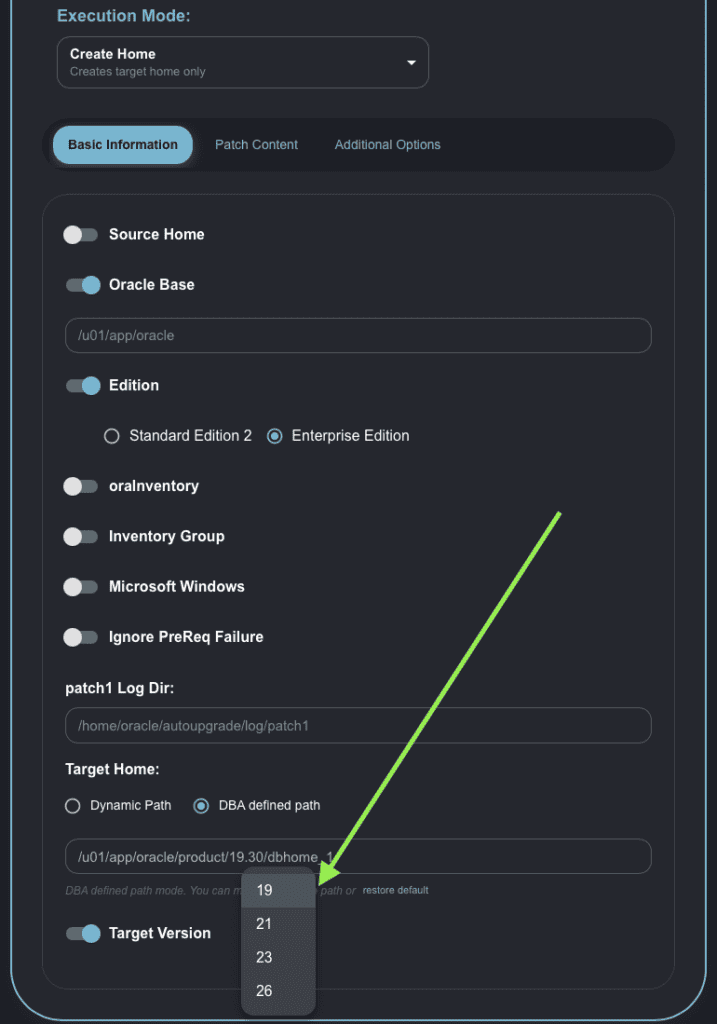
Now in Create Home mode, in the Target Version dropdown menu, we have the value for target_version 26:
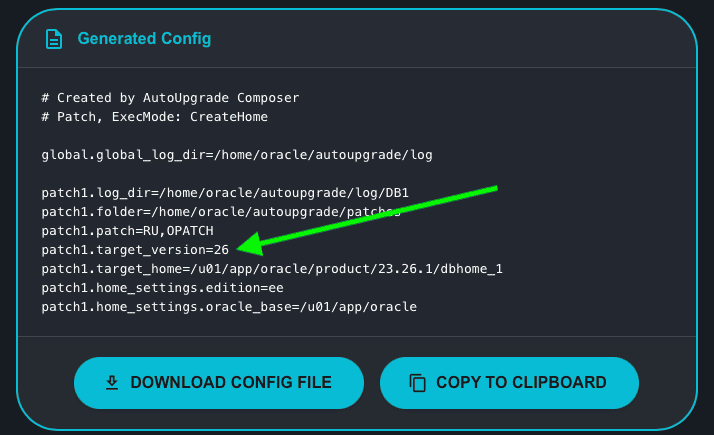
If we select 26 as the value, this is how the Generated Config will look:
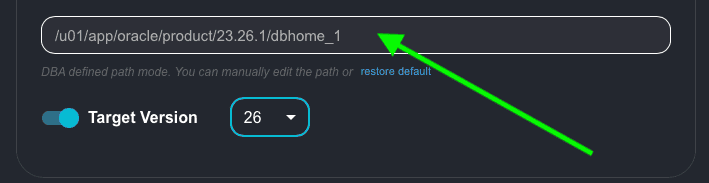
As 26 is the new name for 23, the Oracle Home path will be the same for 23:
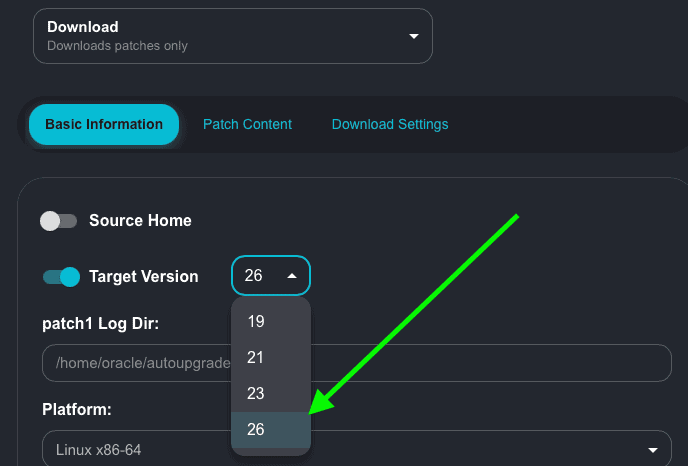
The same dropdown menu is updated in Download mode:
As expected, the Generated Config will be updated accordingly:
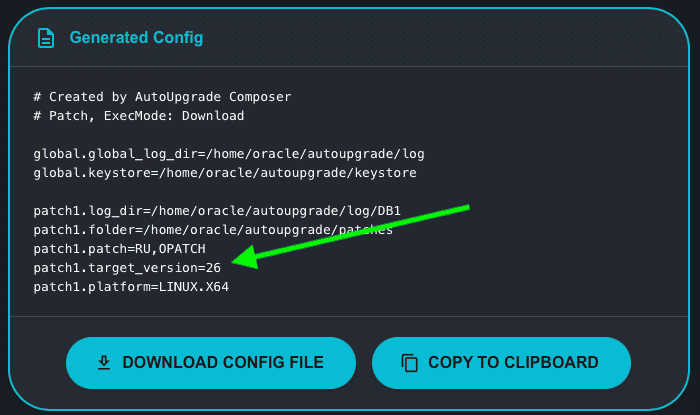
The New Feature: SDO, Oracle Text and AU Patches
The new version for AutoUpgrade now allows us to download the following patches:
- AU: AutoUpgrade can now perform an update of its own version when a new version is released.
- SDO: AutoUpgrade can perform the download of the Spatial Bundle Patch
- Oracle Text: AutoUpgrade can also perform the download of the Oracle Text patch.
Let’s see how it will look:
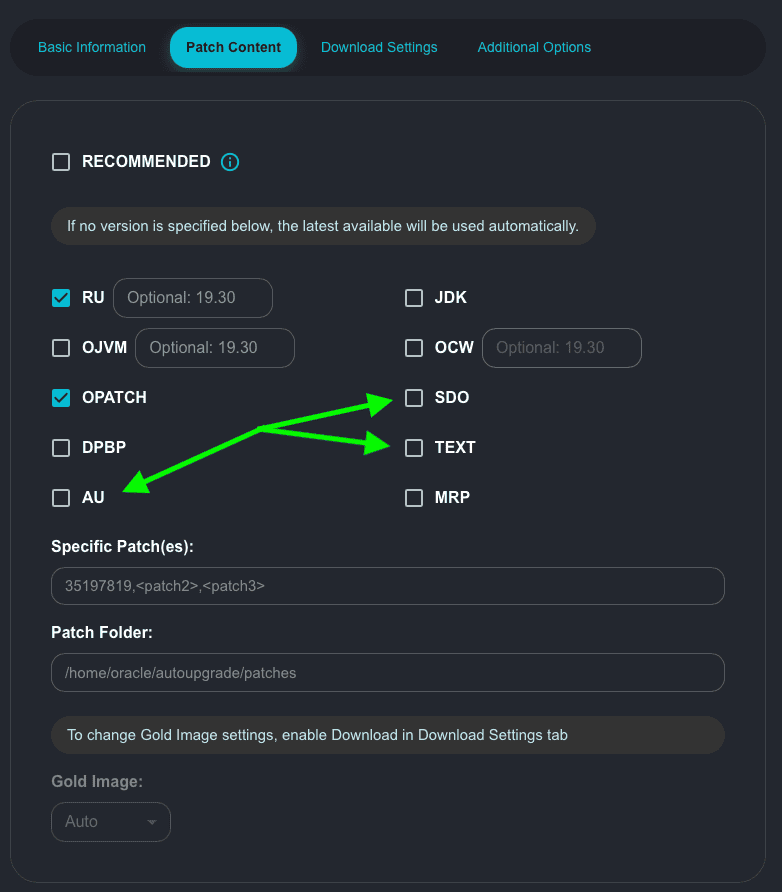
One important detail, AU (AutoUpgrade) is also included in the RECOMMENDED patches, so, if you select RECOMMENDED, this is how it will looks like:
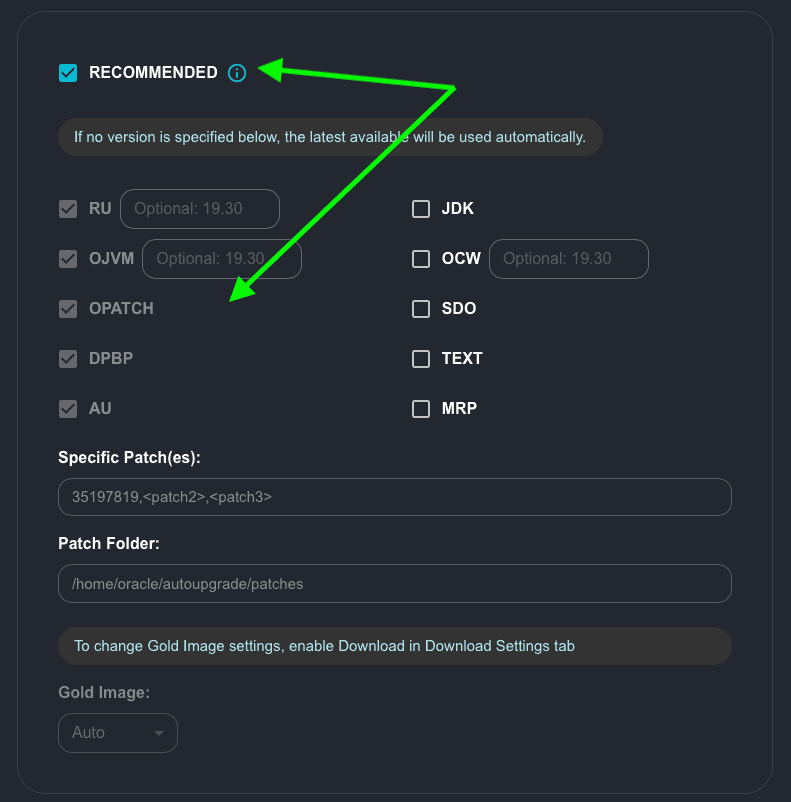
The Generated Config will continue to use the RECOMMENDED keyword:
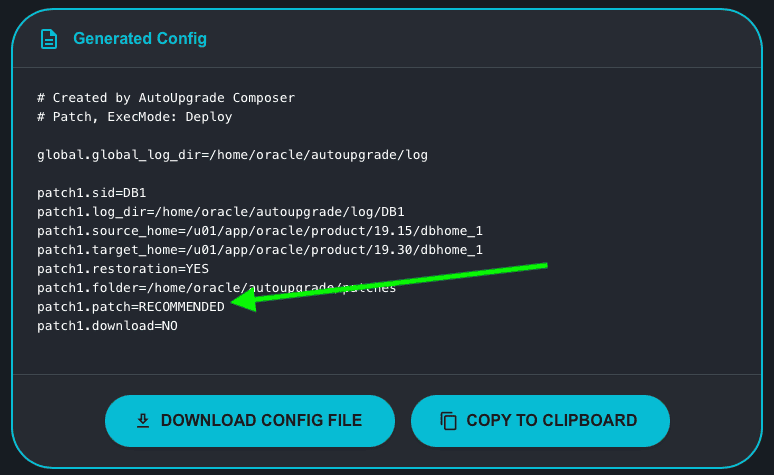
Tip: if you are planning to apply a patch in your Oracle RAC and the Source_Home is an Oracle RAC Oracle Home, and you select RECOMMENDED, AutoUpgrade will also download/apply the OCW patch for you.
Let’s choose some patches from the list:
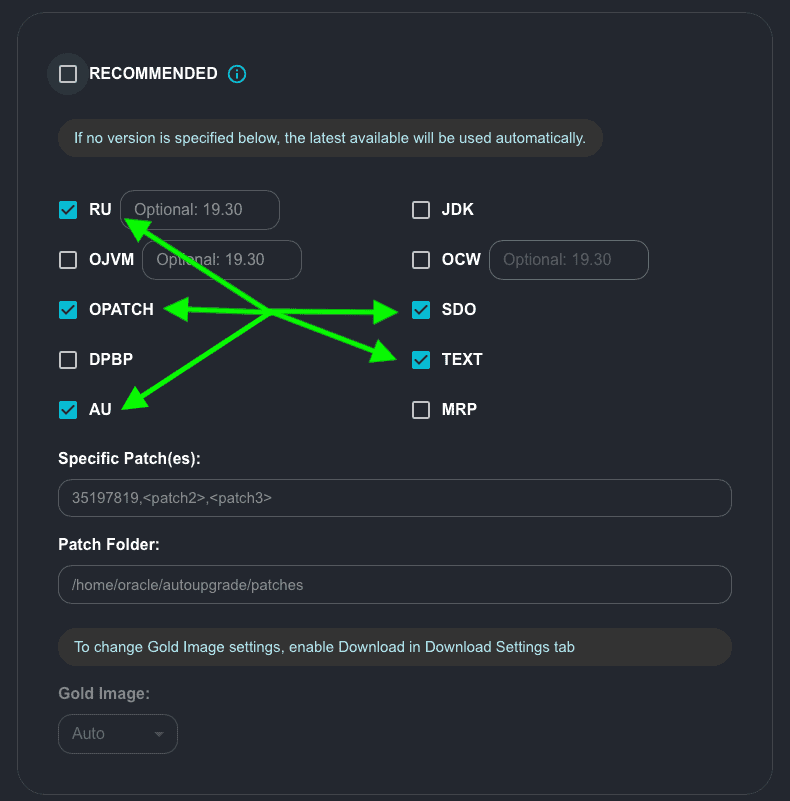
Let’s see how it will look like in the Generated Config:
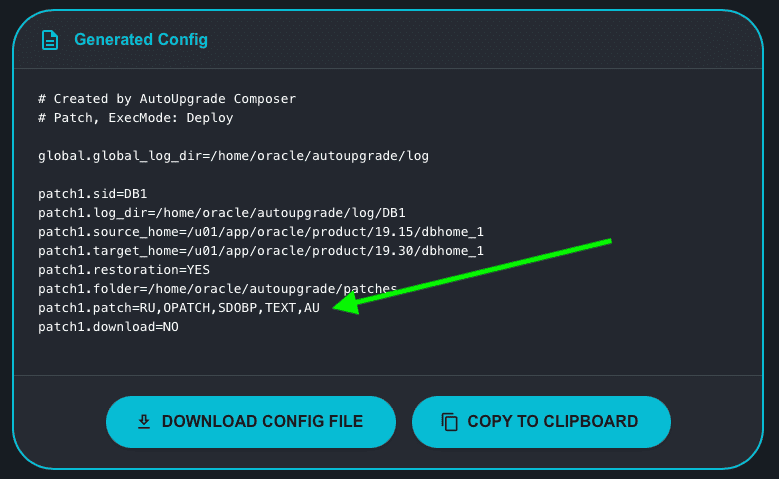
We can see all the individual patches we chose. Please note that the keyword for SDO is SDOBP.
You may have observed that now the list of patches is exhibited in two columns. Due to the types of patches allowed to be downloaded/applied by AutoUpgrade being increased, Rodrigo Jorge made a special request to split the patches into two columns for a better layout.
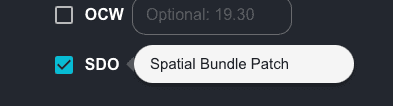
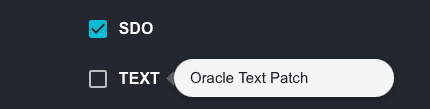
Rodrigo Jorge also requested not to use the acronyms in the patches, as some DBAs might not know about it. Well, we discussed and I kept the acronyms, and gave the idea to use tooltip boxes to explain the patches. If you move your mouse cursor over the patches you will see a brief description of them:
Three examples below:
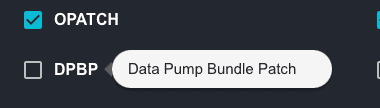
Hope it helps!
Peace!
Vinicius

Dear Marcus,
Great tool – thank You.
After downloading required files, I tried to install ORACLE_HOME as Standard Edition 2 (patch1.home_settings.edition=se2), target: 26 (patch1.target_version=26) but I received an error:
[FATAL] [INS-35464] The installer does not support installing the Standard Edition 2 of Oracle Database.
ACTION: Specify a valid choice for the Oracle Database Edition
After changing parameter to: patch1.home_settings.edition=ee, the autoupgrade process in mode “create home” completed successfully.
Is SE2 not available in Oracle DB 26ai?
Regards,
Michal
Hi Michal,
That was a good catch!
https://mikedietrichde.com/2026/01/27/its-there-oracle-ai-database-26ai-is-available-for-download/
For now, only for EE. I will update the Composer to not allow SE2 for now.
Thanks!
Can this be used to patch GI Homes along with DB home ?
Not yet! But I heard they are working to get this integrated!